

What the student will learn
By completing this tutorial, students will be able to:
- Configure Firewall Rules to Prevent Brute Force Attacks
- Use Port Knocking as a Security Mechanism
- Prevent UDP Flood Attacks
- Monitor and Adjust Firewall Rules
- Implement Security Measures Against Port Scanning
- Defend Against ICMP Flood and Smurf Attacks
- Handle TCP SYN Attacks
- Simulate and Test Attacks
Requirements
- Understand basic networking concepts, such as network types (LAN, WAN), network topologies, and OSI/TCP-IP models.
- Know the differences between public and private IP addresses, and how they are used in networks.
- Have knowledge of subnets, netmasks and IP addressing.
- Understand the basic concepts of routing and switching in networks.
- Know how Dynamic Host Configuration Protocol (DHCP) and Domain Name System (DNS) work.
- Understand the assignment of dynamic and static IPs.
General Objective
To provide a deep understanding of how to configure firewall rules on MikroTik routers to prevent brute force attacks, port scanning, UDP Flood, ICMP Smurf, and TCP SYN attacks, thereby ensuring the integrity and availability of network services and the protection of data.
Advanced Configurations
The general basic protection rules of the firewall are explained in detail in the Tutorial (ML-005) Firewall Configuration Guide for MikroTik RouterOS.
This tutorial develops advanced security rules that complement the ML-005 tutorial.
Chapter Objectives
1. Rules to Prevent Brute Force Attacks:
- Teach how to identify and configure rules to limit failed login attempts and temporarily block suspicious IP addresses.
- Highlight the importance of complex passwords and how to configure the router to enforce them.
2. Firewall Rules to Prevent Port Scanning:
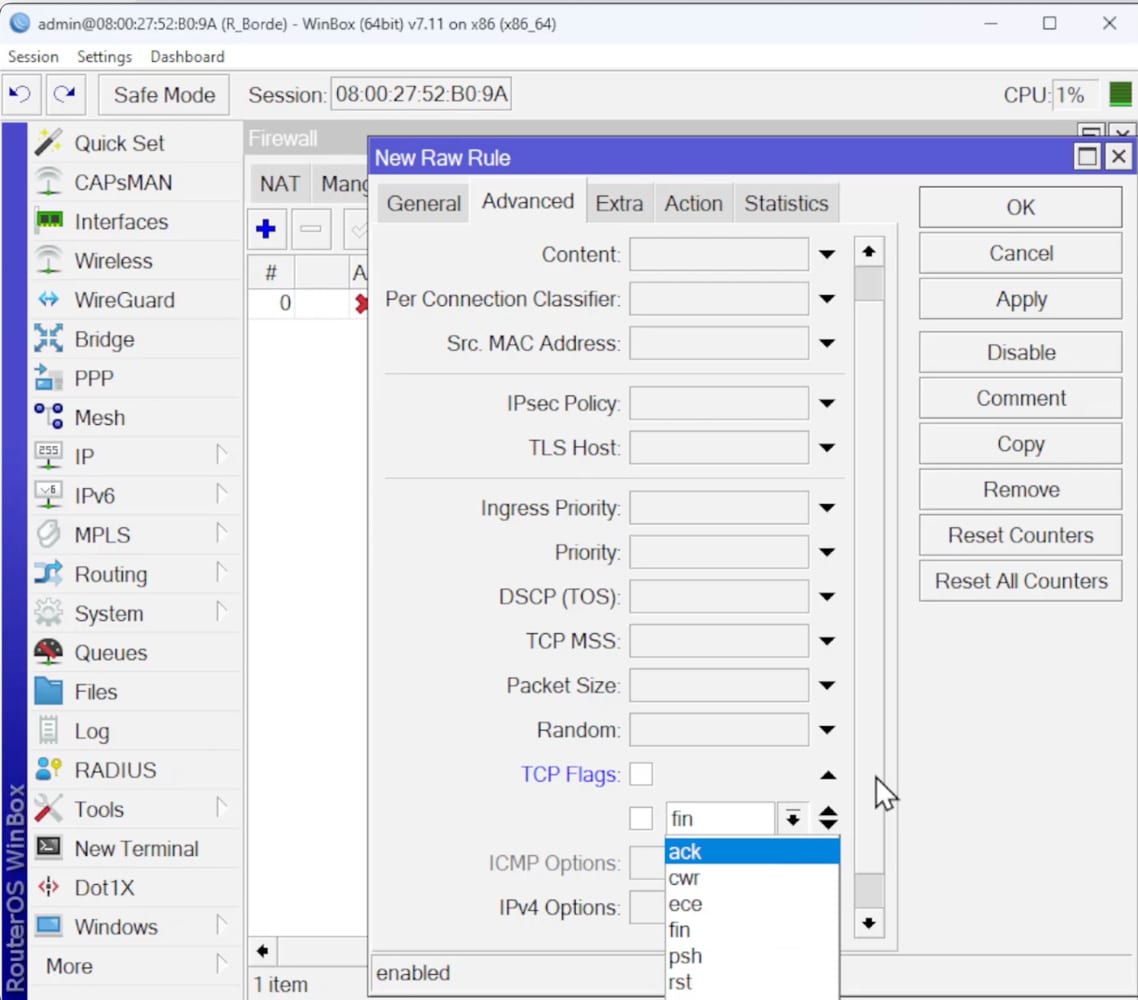
- Explain how to detect and prevent port scanning attempts using specific combinations of TCP flags.
- Instruct on how to configure rules to block IP addresses performing suspicious scans.
3. Firewall Rules to Allow Access with Port Knocking:
- Demonstrate how to configure a Port Knocking mechanism to hide services until a specific “knocking” sequence is performed.
- Discuss port selection and the configuration of temporary rules to allow access to protected services.
4. Firewall Rules Against UDP Flood Attacks:
- Illustrate the configuration of rules to block unsolicited UDP traffic, especially on port 53 (DNS), to mitigate UDP Flood attacks.
- Provide practical examples using attack simulation tools.
5. Firewall Rules Against ICMP Smurf Attacks:
- Teach how to prevent ICMP Flood and Smurf attacks by configuring rules to block unwanted ICMP traffic and traffic directed to broadcast addresses.
- Discuss the importance of properly adjusting these rules to avoid blocking legitimate traffic.
6. Firewall Rules Against TCP SYN Attacks:
- Present methods to block attacks based on unsolicited TCP SYN requests, minimizing the impact on router resources.
- Offer techniques to test the effectiveness of the implemented rules.
At the End of This Tutorial:
Upon completing this tutorial, students will be able to:
- Understand and apply network security principles to protect MikroTik routers against a variety of common attacks.
- Configure advanced firewall rules to detect and block malicious traffic while maintaining the functionality of legitimate services.
- Use diagnostic and attack simulation tools to verify and adjust the effectiveness of the implemented firewall rules.
- Improve overall network security by implementing best practices for password management and access control.
- Adapt and expand the presented security configurations to meet the specific needs of their network environments, ensuring robust and flexible protection against emerging threats.
This tutorial provides a solid foundation in MikroTik network security, preparing students to effectively face and mitigate the risks associated with the most common cyber security attacks.
-
in RouterOS version 7
$12,99
Need more information?
Get this Tutorial
(MLE-006) Filtering Threats: Firewall Rules to Protect the Router from Common Network Attacks
in RouterOS version 7
De nuestro Blog ...
¿Qué es SwitchOS (SwOS) y para qué sirve en switches MikroTik?
Métrica de red: qué es y cómo se usa en el enrutamiento
Cómo crear un Túnel 6to4 en MikroTik RouterOS
You must log in and have started this curso to submit a review.